Produkt - Ceník
Informace Partnerství Kontakt
Uživatelský manuál - přehled témat

How to set up Linux system into a Digital Signage player
1. Download the Linux app
Download our Linux application from here.
2. Install and run the app
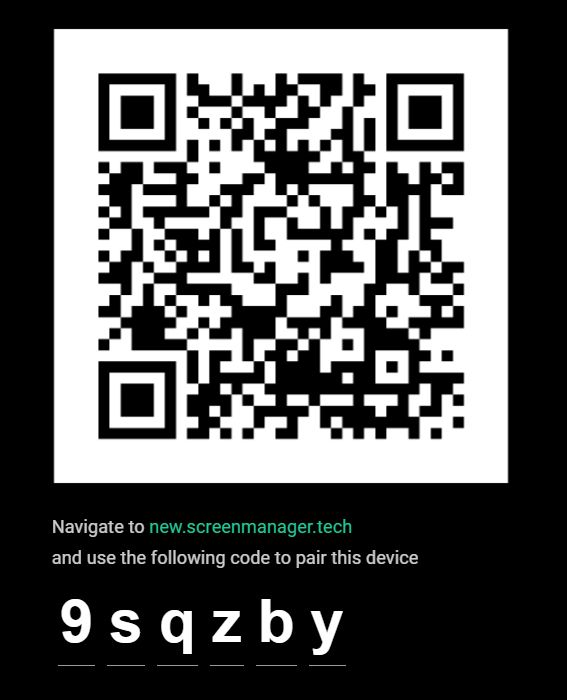
Install the application on your Linux system and launch it. The app will start in fullscreen mode and display a QR code. Scan it with your smartphone to connect your Linux system to your ScreenManager account.
3. Start displaying content
Your Linux system is now connected!
Log in and use the ScreenManager dashboard to create and schedule content for your display.
Naposledy aktualizováno 20. 10. 2026

- info@screenmanager.tech
- +420 604 487 886 (WhatsApp)
DIČ: CZ08543682
Kurzova 2222/16 155 00
Praha